Your Influencer
Relationships,
Organized at Every Scale
Favikon gives you a dedicated CRM to track every creator contact, outreach status, relationship history, and campaign performance in one place.




Build custom creator lists, get all the data you need, and share them instantly.
Build lists of creators by client, niche, or region without worrying about limits.
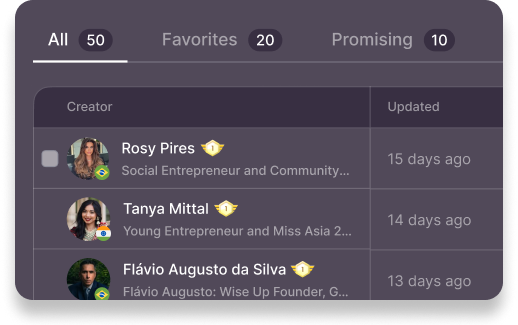
Enrich every contact with up-to-date data and find verified emails at scale.

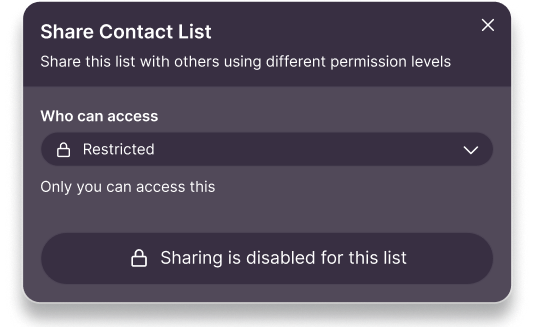
Share lists with your team or clients in real time, and send vetted creators straight into campaigns.

The CRM built for how influencer teams actually work
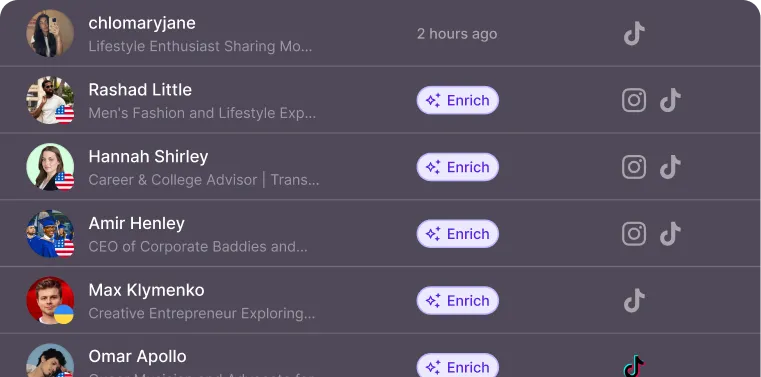
Find emails in bulk, and never miss a creator again
Waterfall enrichment checks one source after another until it finds the creator’s email. So you don’t waste time on influencers with missing info and focus on outreach.
Get a complete picture of your influencers, in one table
You found a few creators that look promising? Don’t waste time checking each profile manually. Enrich them all in one click with fresh creator data from 9 platforms and see accurate insights in one place.
Pull data from:
Share your lists, work together
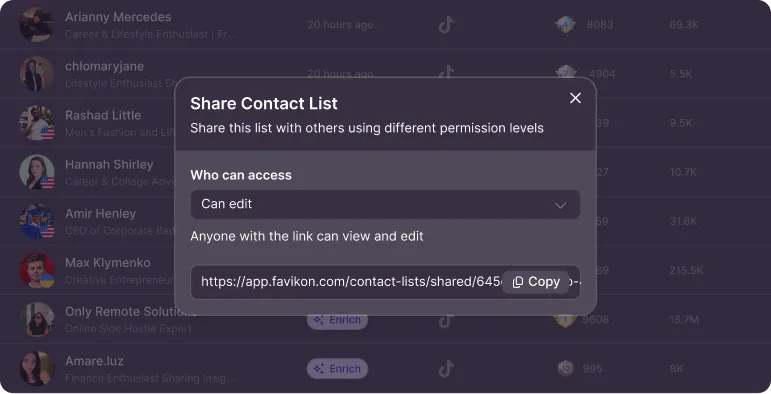
Stop sending lists by email and lose track of changes. With shared lists, everyone reviews, comments, and shortlists together in one place.
Your client’s edits appear directly in your workspace.
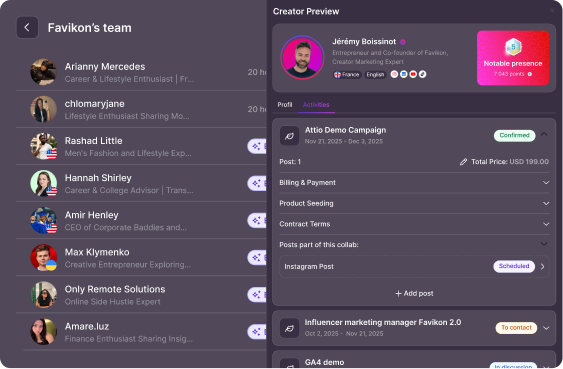
Manage ongoing influencer relationships.
See every action and interaction for a contact in one place, so you know the full history before reaching out again.
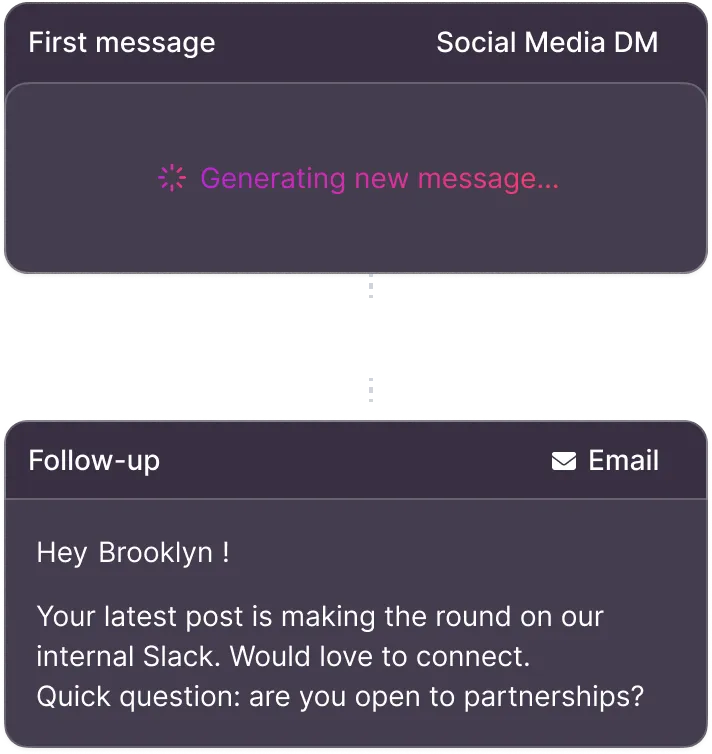
Workflow Automation
Easily reach out to hundreds of influencers from one place, with automated follow-ups and status updates. Send personalized emails or social media DMs, and grow your outreach without adding more team members.
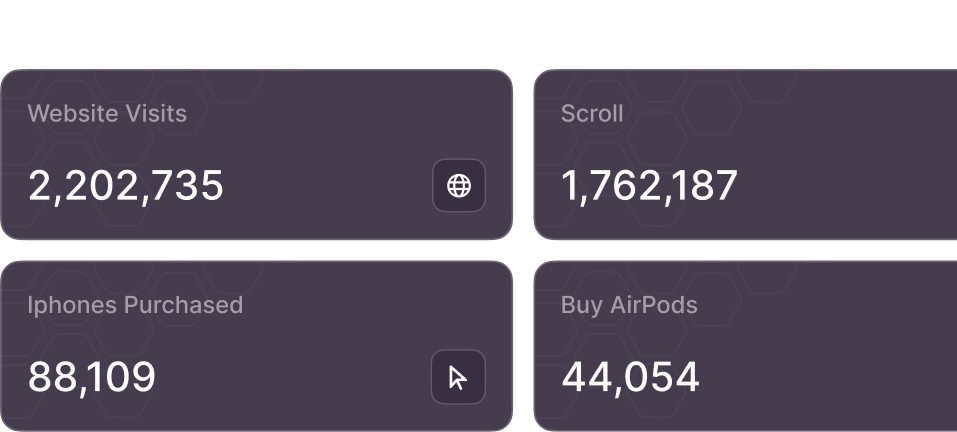
Performance + Conversion Analytics
Favikon's analytics don't just count likes and comments — they dive into the real stuff that matters. You can track clicks and conversions for every creator and every post.
Collaboration & Team Access
Collaborating across teams is a breeze with Favikon's teamspaces. Easily add your team members and clients to your CRM, giving them access at various levels.
Export whenever, wherever you want
Favikon makes it easy to export your campaign and CRM data, allowing you to smoothly integrate it with your existing tools for detailed reporting and analysis.
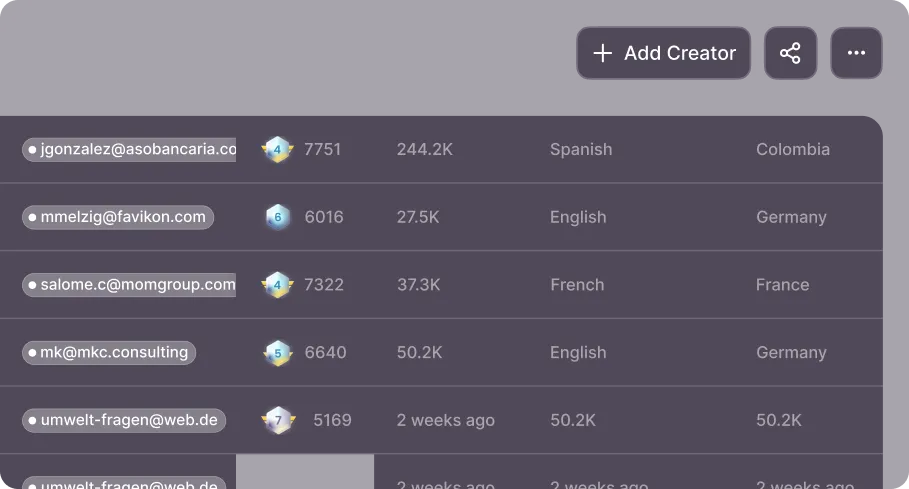
Everything you need to manage creator relationships
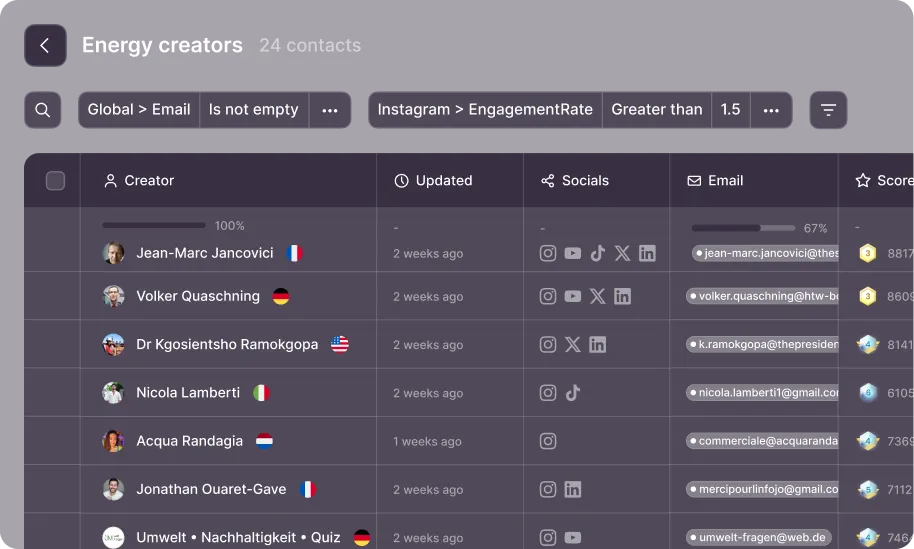
Highlight creators that match your filters
Filter contacts on any anything, including performance, platform, and custom data to quickly spot creators aligned with your campaign goals.

Export your creator lists anytime
Need your data outside the platform? Export any creator list as a CSV and stay in full control of your data.
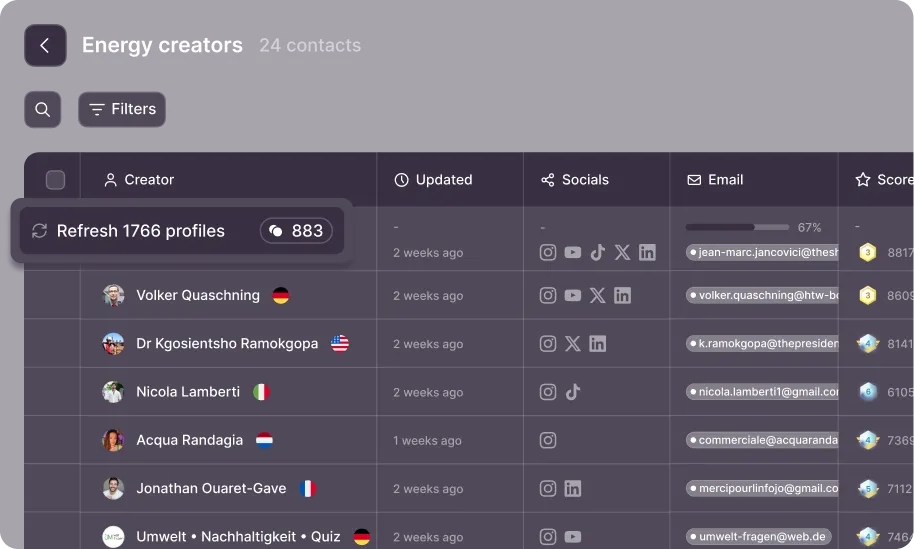
Maintaining your influencer database up to date
Refresh creator data when you need it, so you always work with current metrics and valid contact details.
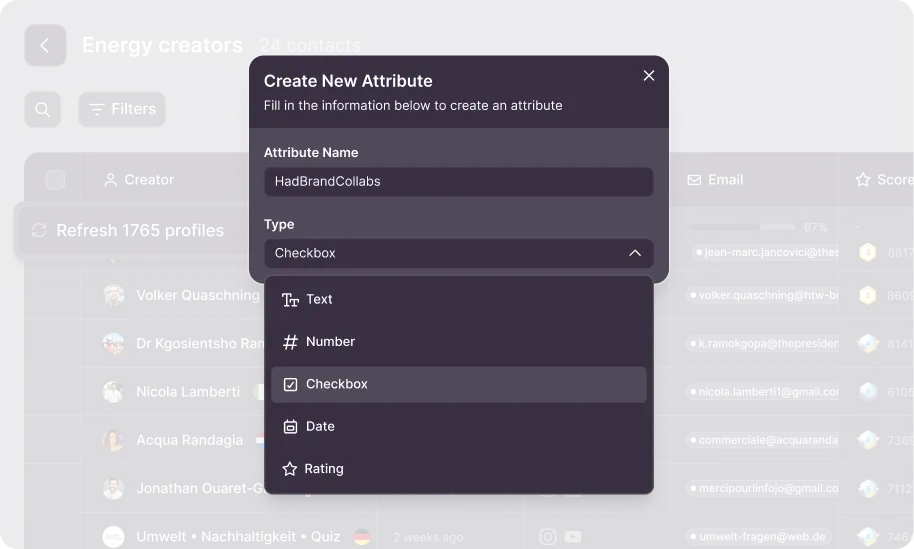
Add your own attributes to creators
Organize creators with your own rules. Need a shortlist checkbox, star rating, last contact date, custom notes… Create as many custom attributes as you want to organize and sort your creator portfolio.
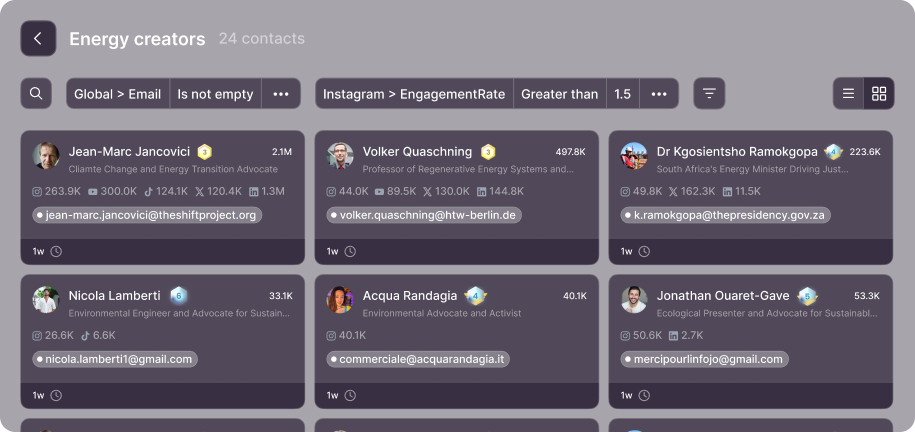
View contacts in a visual, card based layout
Skip dense tables. Card view helps you scan profiles faster and is ideal when you need to share lists with less technical people.

Save anywhere.
Access in one place.
FAQ
A contact list is a saved collection of creators you want to track, evaluate, or reach out to. You can create one from any search or discovery result by selecting creators and adding them to a new or existing list. Think of it as your shortlist for a campaign, a talent pool, or a watchlist you revisit over time.
Favikon uses waterfall enrichment, which means it checks multiple data sources one after another until it finds a verified email for the creator. If the first source comes up empty, it automatically moves to the next. This maximizes your chances of getting contact info without you having to dig around manually.
Yes. Instead of enriching creators one by one, you can select several profiles in your list and enrich them all in a single click. This is especially useful when you have a shortlist of 20, 50, or 100+ creators and want to move fast.
Enrichment pulls data from up to 9 platforms and consolidates it into one view. You get follower counts, engagement rates, platform presence, content categories, associated brands, and (when available) a verified email address. Everything shows up in a single row so you can compare creators side by side.
You can share any contact list with teammates or clients using a link or by inviting them directly. Everyone works from the same list, so edits, comments, and shortlisting decisions stay in one place. No more emailing spreadsheets back and forth or losing track of who changed what.
You can set access to "can view" (read-only) or "can edit" (full collaboration). There is also a link-sharing option where anyone with the link can view and edit. This gives you flexibility depending on whether you are sharing with an internal team or an external client.
When a creator is part of a campaign, you can see all the relevant details directly on their contact profile. This includes campaign dates, contract terms, billing and payment status, post deliverables, and whether the collaboration is confirmed, in discussion, or scheduled. Everything ties back to the contact record.
Enriched data includes a "last updated" timestamp so you always know how recent the information is. If a profile looks stale, you can re-enrich it to pull the latest stats and contact details. This is useful for creators whose audiences or platforms shift quickly.
Not always. Some creators do not have a publicly available or verified email across the sources Favikon checks. In those cases, the result will show as "not found." You can try enriching again later as new data sources are updated, or use other outreach channels like direct messages on the creator's primary platform.

Still not sure Favikon is right for you?
Let ChatGPT, Claude, or Perplexity do the thinking for you.
Click a button and see what your favorite AI says about Favikon.