Connect Favikon to Codex: Creator Data in Your Coding Agent
Add Favikon as an MCP server in Codex so the code you generate runs against a real creator index. Setup, first build, and the query mistakes agents make.
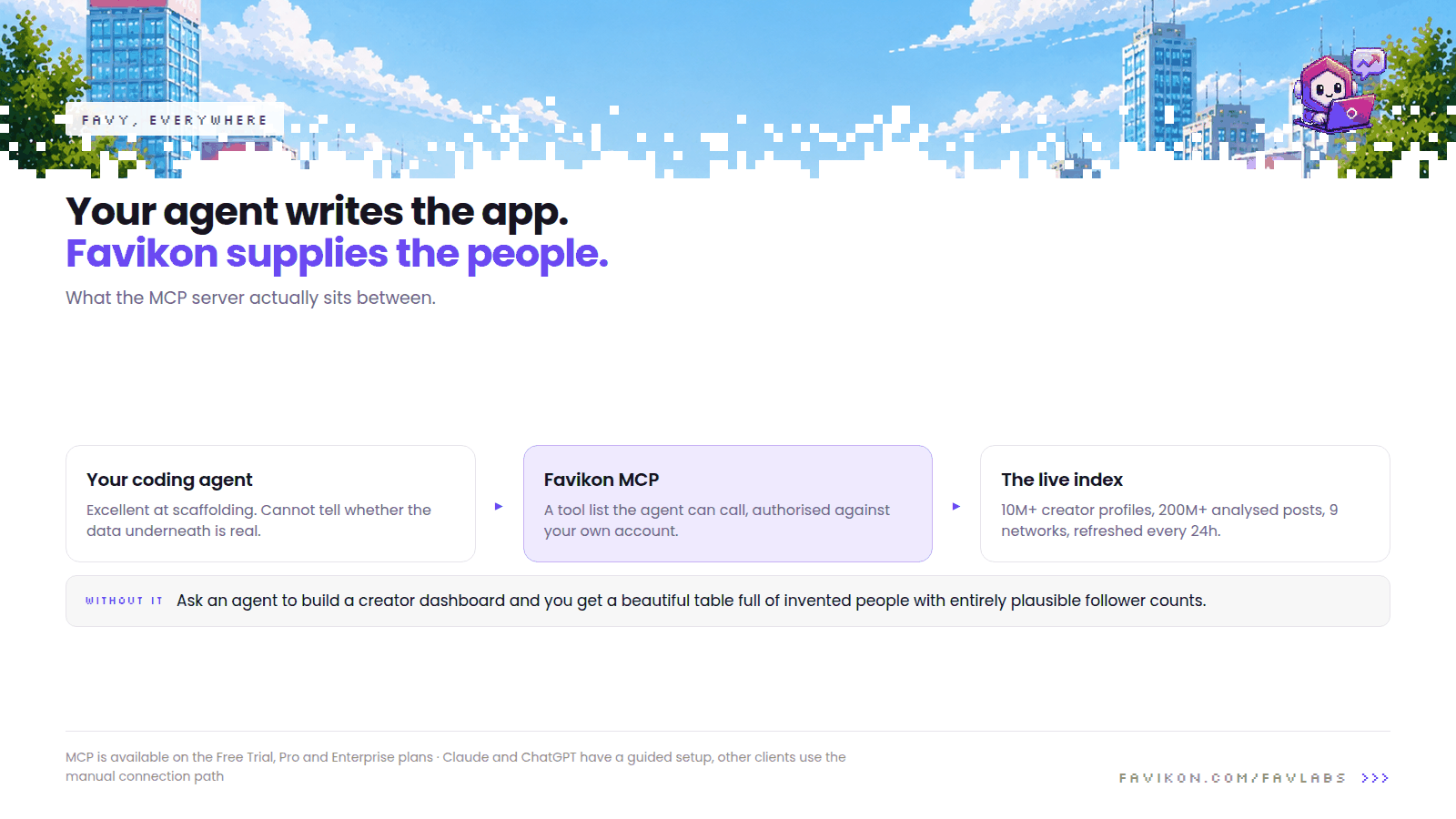
Coding agents are excellent at scaffolding an application and hopeless at knowing whether the data underneath it is real. Ask one to build a creator dashboard and you will get a beautiful table full of invented people with entirely plausible follower counts.
Adding Favikon as an MCP server closes that gap. The agent writes the application, and the application queries a live index: 10M+ creator profiles across 9 networks, 200M+ posts analysed, refreshed every 24 hours.
Before you start
- A Favikon account. MCP is available on the Free Trial, Pro and Enterprise plans, so you can test it before committing to anything.
- Codex, with MCP server configuration available.
- A scoped idea of what you are building. A coding agent with a vague brief produces a lot of code and very little product.
Connect it
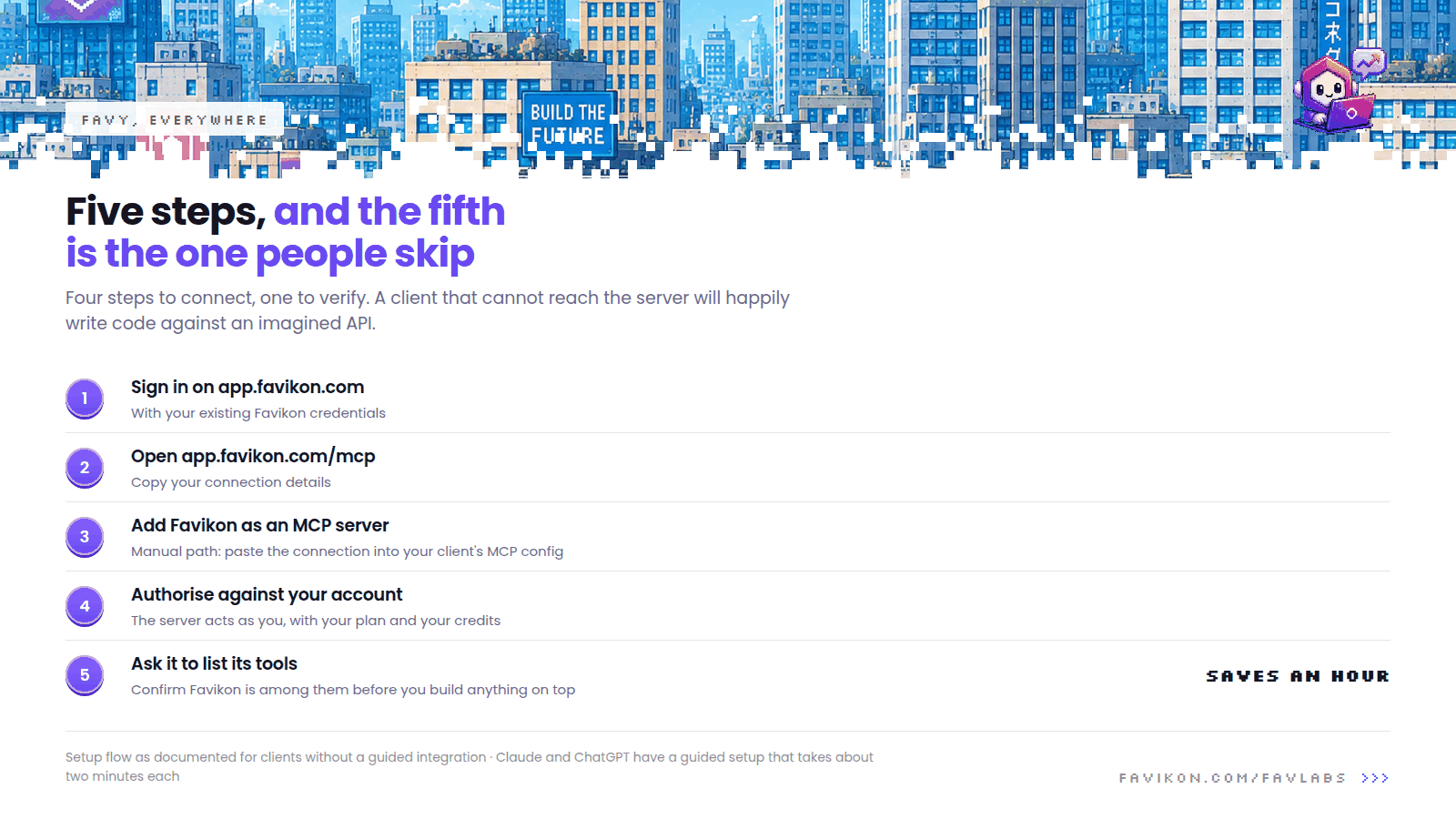
Claude and ChatGPT have a guided setup inside the app. Codex is not in that picker, so it uses the manual path: you copy the connection details and add the server by hand.
- Sign in to app.favikon.com with your existing Favikon credentials.
- Go to app.favikon.com/mcp and copy your connection details.
- Add Favikon as a new MCP server in your Codex MCP configuration.
- Authorise against your Favikon account.
- Ask it to list the tools it now has, and confirm Favikon is among them before building anything on top.
Step five saves an hour. A client that cannot reach the server will happily write code against an imagined API, and the failure only surfaces at runtime, usually in front of somebody.
A first task worth giving it
Using the Favikon MCP, write a script that takes a niche, a
country and a follower range, fetches matching creators, and
writes them to a CSV with follower count, engagement rate,
growth and a stable creator ID. Handle pagination properly and
cache results locally while we iterate, so we are not re-running
the same query.
That last instruction is not politeness. It is the difference between a development session that costs a few credits and one that costs a lot of them.
Three things worth building here
- A scheduled sync into your own database. The one job that makes creator data useful to the rest of your stack, and the one nobody gets around to writing by hand.
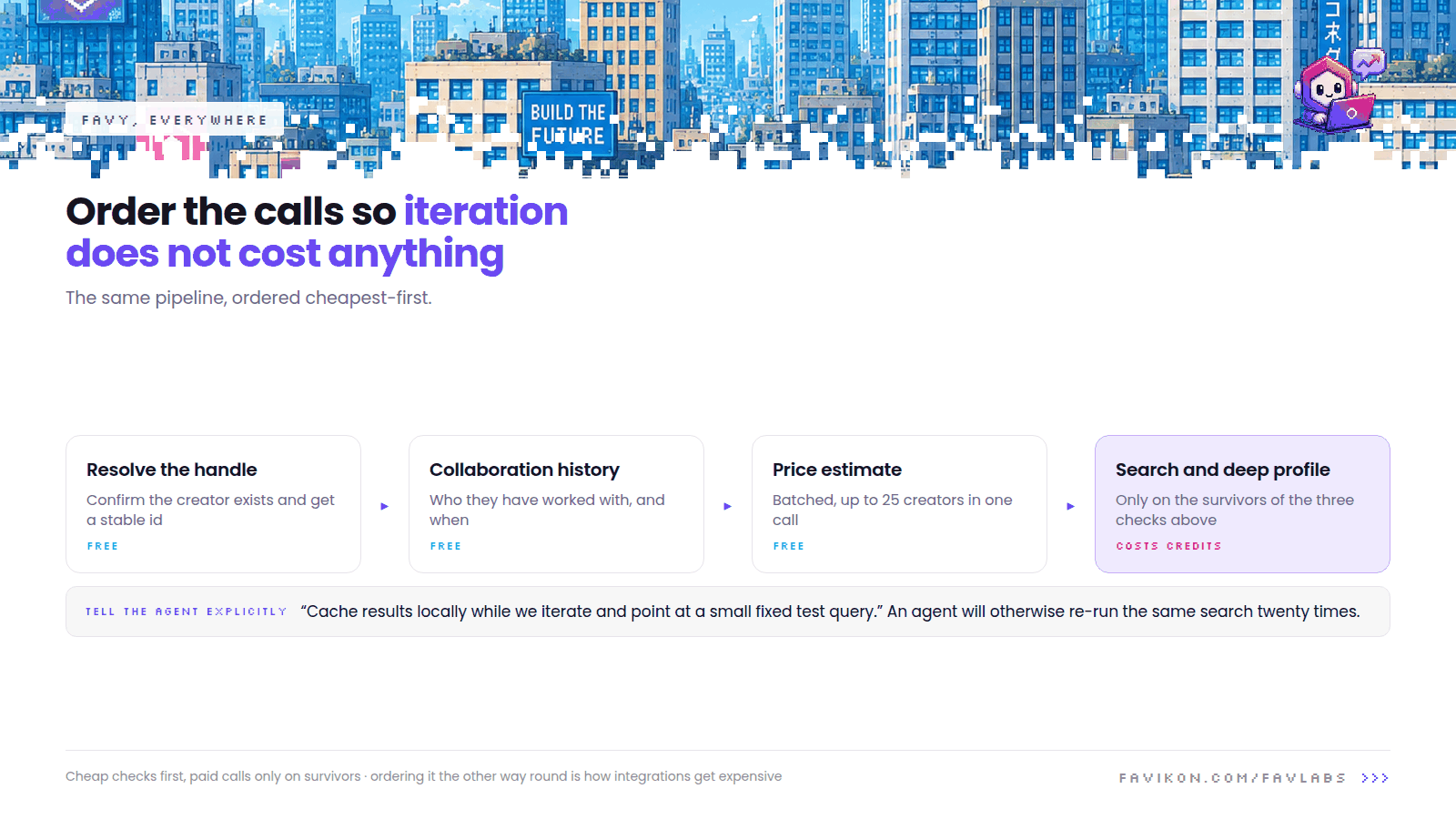
- A vetting pipeline. Resolve a handle, run the cheap free checks first, then the paid ones only on survivors. Ordering it the other way round is how integrations get expensive.
- Reporting that generates itself. Pull campaign performance on a schedule and render it wherever your team already looks, rather than wherever you wish they looked.
What to watch for when an agent writes the calls
- Credits are real. An agent iterating on a feature will cheerfully run the same search twenty times. Point it at a small fixed test query and cache results while you build.
- Multiple networks means AND, not OR. A generated filter asking for LinkedIn and Instagram together returns creators active on both, which is almost nobody. Say it out loud in the brief: one network per query, merge afterwards.
- Pagination gets forgotten. Agents treat page one as the whole result set, then report a confident total that is wrong by an order of magnitude.
- Never render an authenticity score as a verdict. If real people will see the output, frame flags as "worth verifying". It is fairer, and it keeps you out of an argument you do not want to have.
How credits work here
Creator searches and deep profile data draw on your Favikon credits, exactly as they do in the app. Some things cost nothing at all, including collaboration history and price estimates, so you can check an entire shortlist against a competitor's roster, and price it, for free. If you would rather approve each spend, ask for a cost preview before running a search and you will get one.
If something goes wrong
- No tools after connecting. Ask it to list its tools. If Favikon is absent, remove the server and re-add it with freshly copied connection details.
- Authorisation fails. Sign in on app.favikon.com first, then copy the connection from app.favikon.com/mcp.
- Queries return nothing. Nine times in ten the generated filters are stacked too tightly. Ask to see the exact filters being sent, then loosen one at a time, starting with geography.
Not building software?
If you want the data without writing any code, the guided setup covers Claude and ChatGPT in about two minutes each, and Favy runs inside the Favikon app on every plan.
Others Tools