Comment générer votre Creator Rewind avec Favikon
Dans ce guide, nous allons passer en revue chaque étape, de l'installation de l'extension à l'exportation de vos visuels.
.png)

Comment générer votre Creator Rewind avec Favikon
Votre année de création est riche en événements marquants, en croissance et en moments forts inattendus. Favikon transforme tout cela en un Creator Rewind épuré que vous pouvez partager instantanément sur les réseaux sociaux. C'est rapide, simple et conçu pour mettre en valeur votre année avec impact.
Dans ce guide, nous allons passer en revue chaque étape, de l'installation de l'extension à l'exportation de vos visuels. Si vous avez déjà réclamé votre profil Favikon, vous pouvez sauter l'étape de réclamation et passer directement à la génération de votre Creator Rewind.
Étape 1 : Accédez à Rewind Page
Commencez par visiter cette page.
Étape 2 : Entrez votre nom et choisissez les réseaux sociaux
Entrez votre e-mail et choisissez le réseau social pour lequel vous souhaitez générer le retour en arrière.
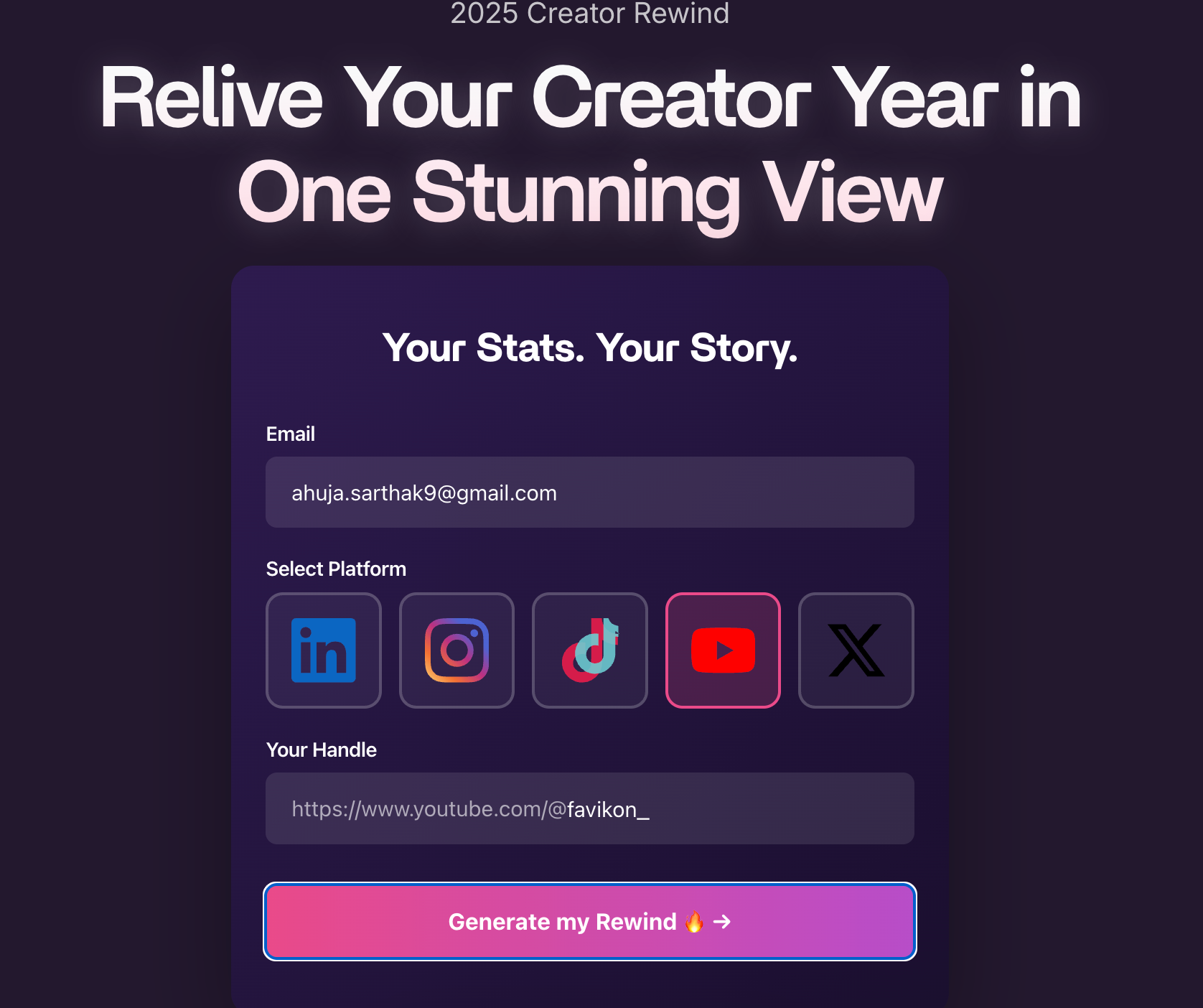
.
Étape 3 : Entrez votre identifiant de réseau social
Entrez uniquement la partie qui suit le domaine principal du réseau social. Par exemple, si votre URL complète est https://www.instagram.com/john.doe, vous devez saisir onlyjohn.doe
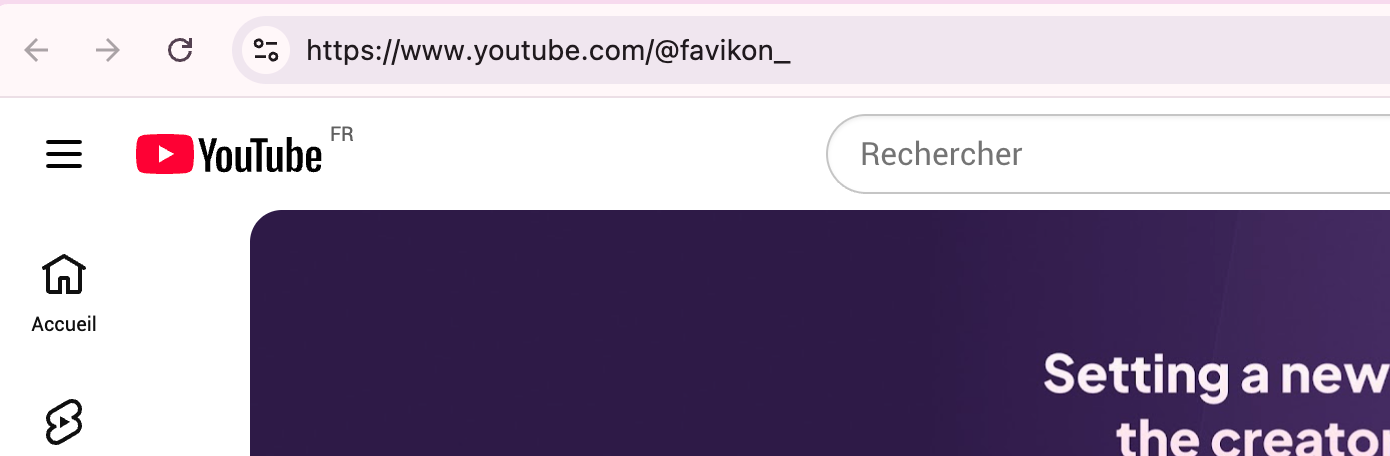
.
Étape 4 : Cliquez sur Générer mon retour
Étape 5 : Choisissez votre format et personnalisez vos diapositives
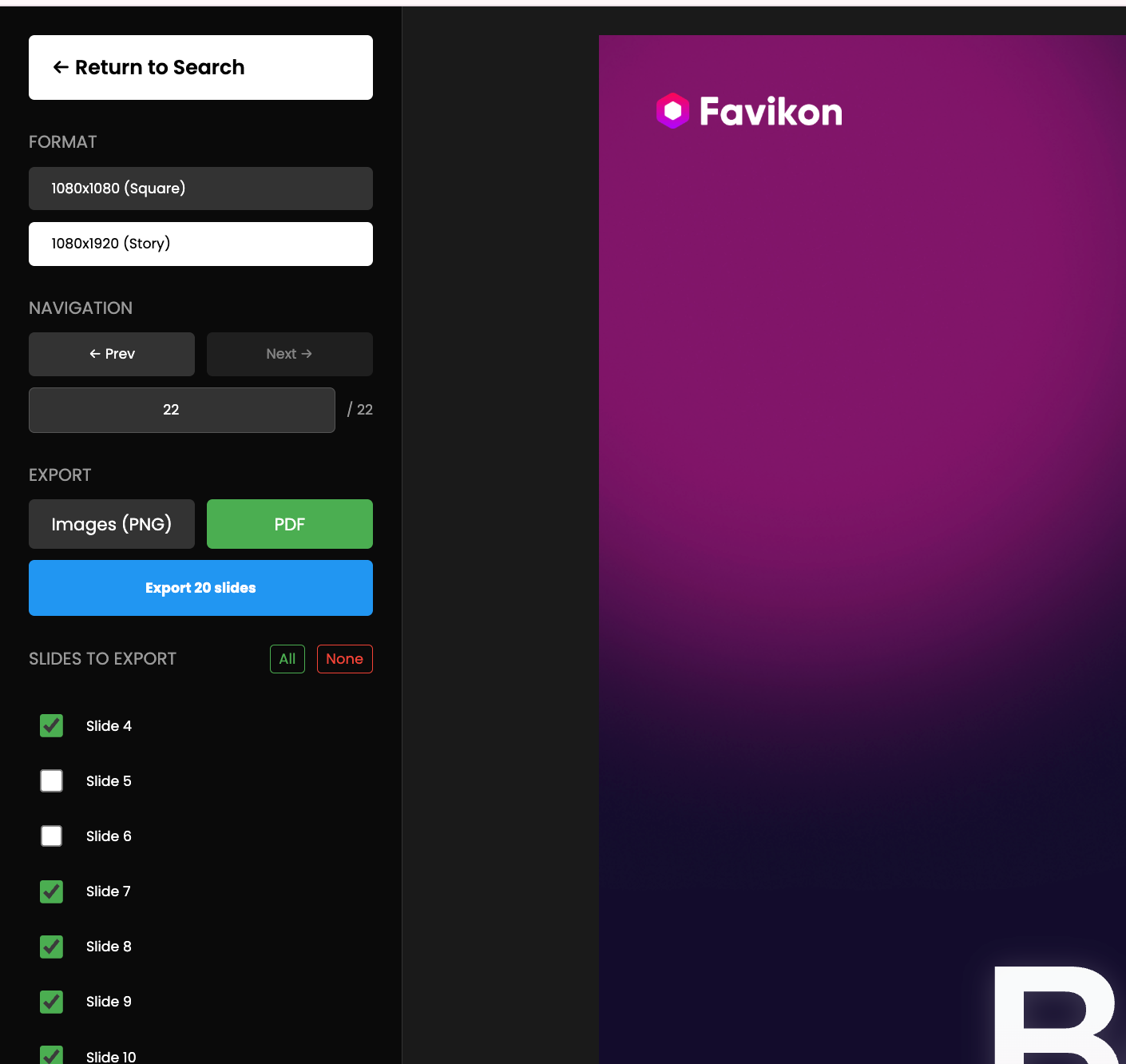
Dans l'outil Creator Rewind, vous pouvez personnaliser les visuels en fonction de la façon dont vous souhaitez présenter votre année.
Vous pouvez :
- Choisissez la mise en page de publication ou la mise en page de l'histoire en fonction de l'endroit où vous prévoyez de partager.
- Supprimez ou ajoutez des diapositives spécifiques pour mettre en évidence ce qui compte le plus.
- Prévisualisez la séquence pour que tout soit précis et adapté à votre parcours.
Prenez un moment pour peaufiner le retour en arrière avant de procéder au téléchargement.
Étape 6 : Exportez votre Creator Rewind au format PDF ou PNG
Une fois que vos diapositives sont définitives, choisissez votre format d'exportation.
Vous pouvez :
- Téléchargez un PDF pour obtenir un résumé du style du document.
- Téléchargez des fichiers PNG pour des diapositives individuelles prêtes à être publiées sur les réseaux sociaux.
Cliquez sur le bouton de téléchargement et votre Creator Rewind sera généré instantanément.
Votre Creator Rewind est prêt à être partagé
C'est tout ce qu'il faut. En quelques étapes rapides, vous pouvez créer un Creator Rewind raffiné qui retrace les meilleurs moments de votre année.
Partagez-le sur Instagram, LinkedIn, X ou n'importe où se trouve votre public, et donnez-leur une image claire de tout ce que vous avez réalisé en tant que créateur cette année.
Others articles