Influencer Campaign Benchmark: Turn Raw Campaign Data Into a Client-Ready Report (Free Claude Skill)
Paste your campaign numbers, get a benchmarked report with EMV, CPM, and ROI, graded against real industry data. A free Claude skill, no spreadsheet required.
Campaign reporting is the task everyone in influencer marketing dreads. The campaign is over, the spreadsheet is a mess of numbers from five different creators, and someone needs a report by end of day that doesn't just say "it went fine."
What it does
Influencer Campaign Benchmark takes whatever you have, a CSV, pasted numbers, even a screenshot- and turns it into a structured report:
- Every core metric calculated with the formula shown next to it: engagement rate, CPM, CPE, CPA, ROAS, and an EMV estimate that's always labeled an estimate, never mixed in with real revenue
- Performance graded below average / average / good / excellent against platform and tier benchmarks, because a nano creator's 8% and a macro creator's 1.5% aren't judged on the same curve
- Industry-specific context when you know the niche, since a 1.4% engagement rate is weak for food and beverage but solid for SaaS
- /A creator-level ranking table, with an extend/re-engage / retest/drop call for each one
- Top performers and underperformers, framed as learnings, never as blame in anything client-facing
- An honest ROI section that states the attribution gap upfront: 20-40% of creator impact typically doesn't show up in direct-response numbers, so the attributed figure is a floor, not the whole picture
For B2B and LinkedIn campaigns, it applies a different clock entirely: a campaign judged at 30 days only gets an awareness read, pipeline shows up around 90 days, revenue around 6 months. Judging a LinkedIn creator program at day 20 the way you'd judge a DTC Instagram flight produces the wrong verdict, so the skill won't let that happen.
Every industry range is labeled as directional and dated. No number gets presented as more certain than it actually is, and if a creator's content metrics look strong but something's off, the report flags it as worth investigating rather than a pattern to repeat.
How to install
- Download the ZIP.
- In Claude, go to Settings > Customize > Skills.
- Click the + button, then Create skill.
- Upload the ZIP (it needs the skill folder itself at the root, not just the files inside it).
- Toggle it on.
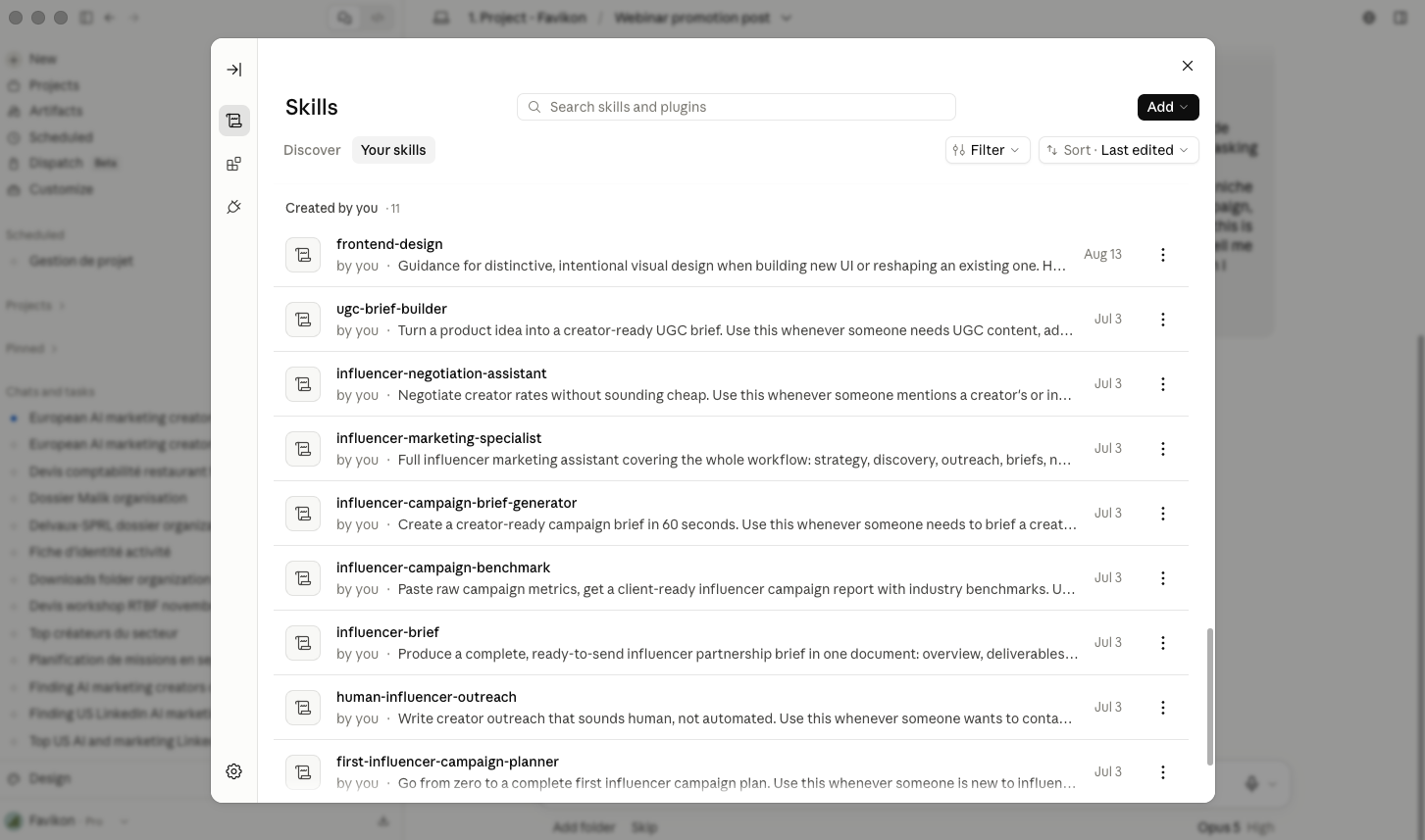
Next time you paste in campaign numbers and ask how it performed, or ask Claude to build a report for a client or your boss, it uses the skill automatically. No need to reference it by name.
Who it's for
Anyone who has to turn campaign numbers into something presentable, marketers reporting to a client, in-house teams reporting to leadership, agencies benchmarking across multiple brands. If your team runs campaigns often enough that manual reporting has become its own job, Favikon's campaign analytics tracks EMV, CPM, and ROI automatically as content comes in, and pairs it with verified creator authenticity data so a strong-looking number on a low-quality profile gets caught before it becomes a recommendation.
Others Tools